
Talk Dirty Dance AI Tutorial: Put a Friend on the Stage in 3 Taps
Talk Dirty Dance AI tutorial: one photo of you or a friend, the real concert stage and live sound, three taps in your browser, $9.90 for 720p, no account.
 Talk Dirty Dance AI Team14 min read
The Talk Dirty Dance AI team: we watch every Talk Dirty dance clip we write about, date every view count we quote, and show the trend with videos made on our own generator.

TL;DR — This Talk Dirty dance AI tutorial takes one photo of whoever should take the lead's spot and three taps on Talk Dirty Dance AI, right in your browser. Your lead does the walk-in, the spotlight crouch, the dance break and the closing squats across 15 seconds of vertical 9:16 video. The dancers in varsity jackets, the clip's own live sound and the flame columns stay as they were.
A single 720p video costs $9.90, paid once, and you don't need an account or anything to install.
A Talk Dirty dance tutorial usually means one of two very different things.
It might mean a full routine you learn with your own feet, like a beginner Talk Dirty dance tutorial from January 2014. On that one, a dancer who's new to choreography might need an hour or two to pick up the counts.
Or it means the AI trend, where someone else's photo takes the middle of the stage and does every move for them.
This guide is the AI version, where the person in your photo does all the dancing.
Most AI walkthroughs on social media push you toward a CapCut template (a ready-made CapCut edit with one empty photo slot).
Out of 92 trend clips we checked on TikTok on October 21, 2026, 82 carried a CapCut template tag. And one of the trend's most-shared tutorials sends viewers through profile links and multiple steps to load one.
Two viewers said that route didn't work for them. One viewer under a CapCut template video wrote "it's not working". Another viewer, in a Thai thread about the apps, wrote "เคยเข้าไปทําแล้วไม่ได้สักทีค่ะ555" (Thai for "I tried to make it but never got it to work, lol").
Our maker skips that hassle. The concert clip and its live sound already sit inside our maker. So the one thing you'll bring is a photo of the person you want in the middle of the stage.
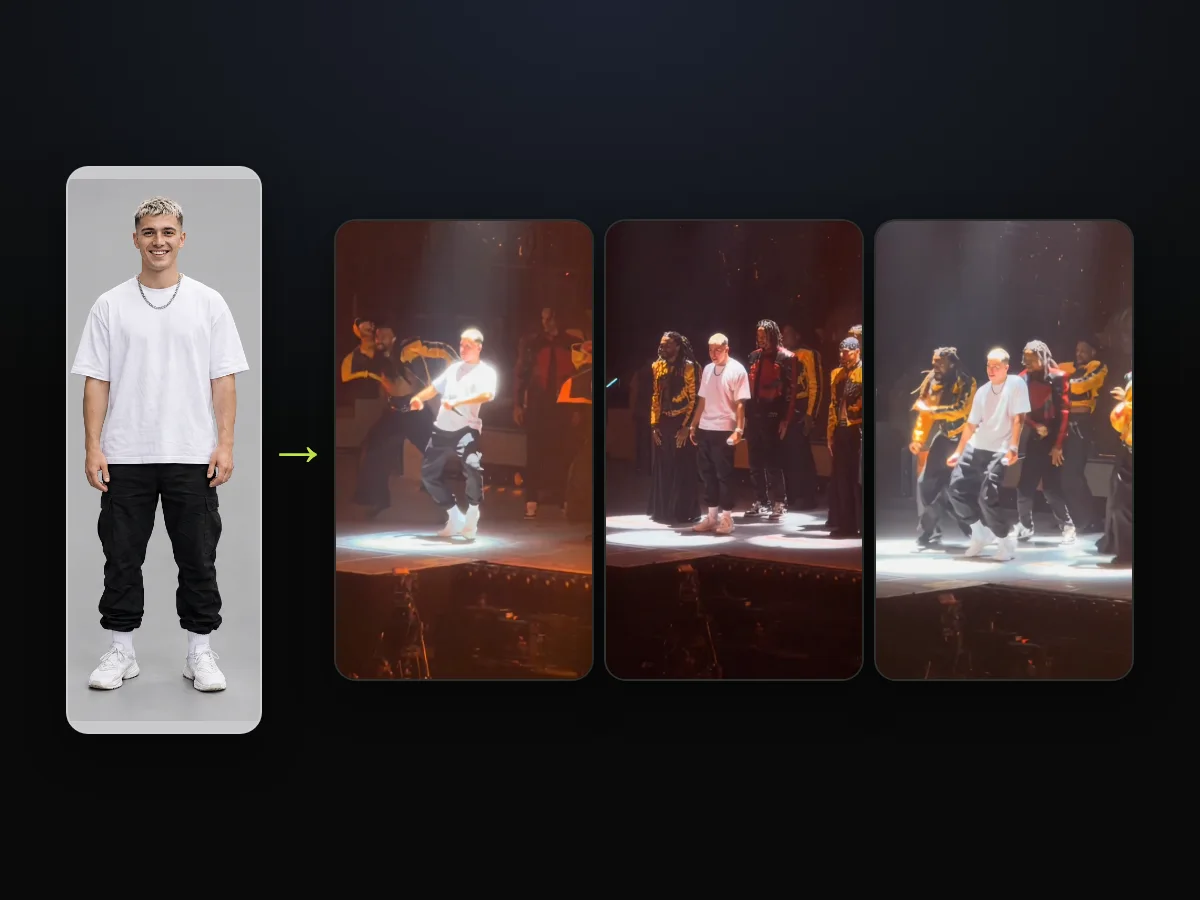
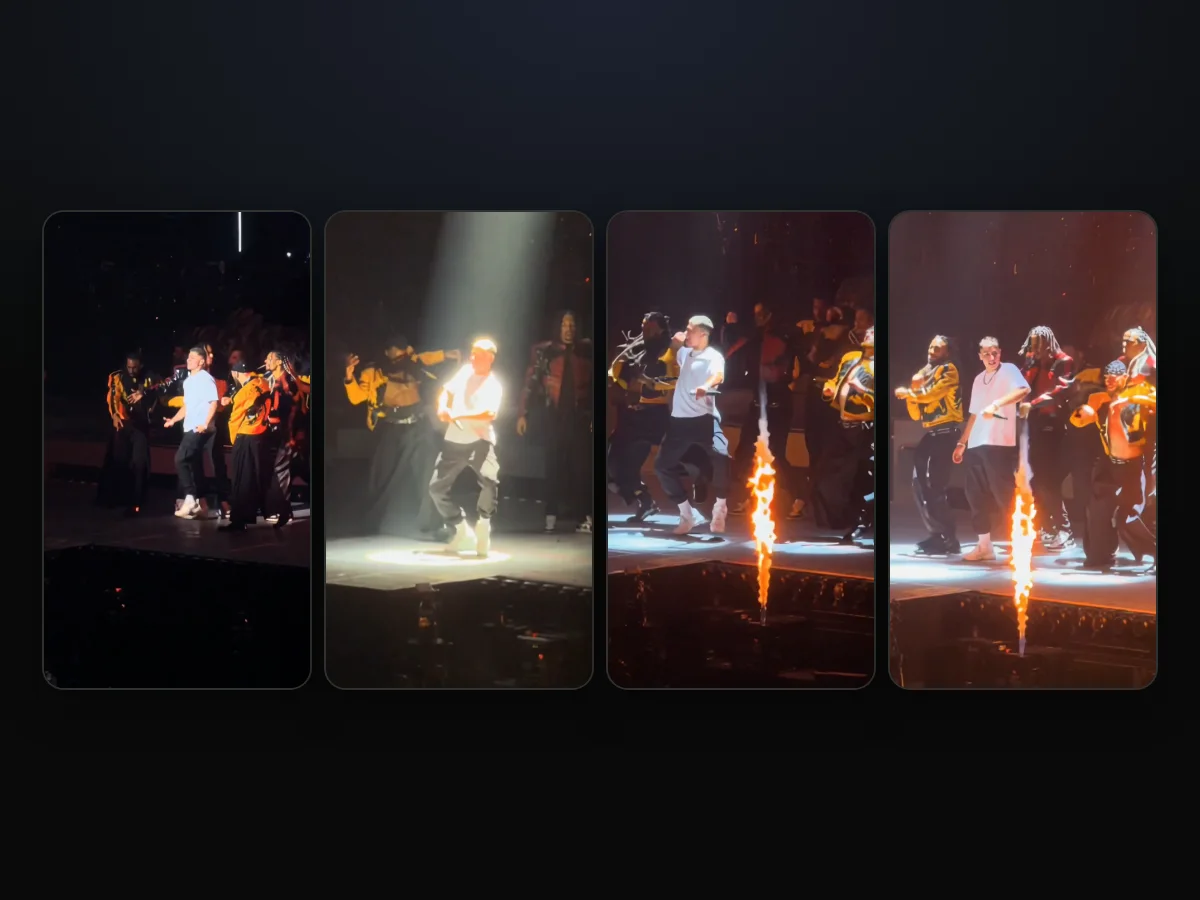
We ran a full-length photo of an AI-made man in an oversized white T-shirt and black cargos through the maker.
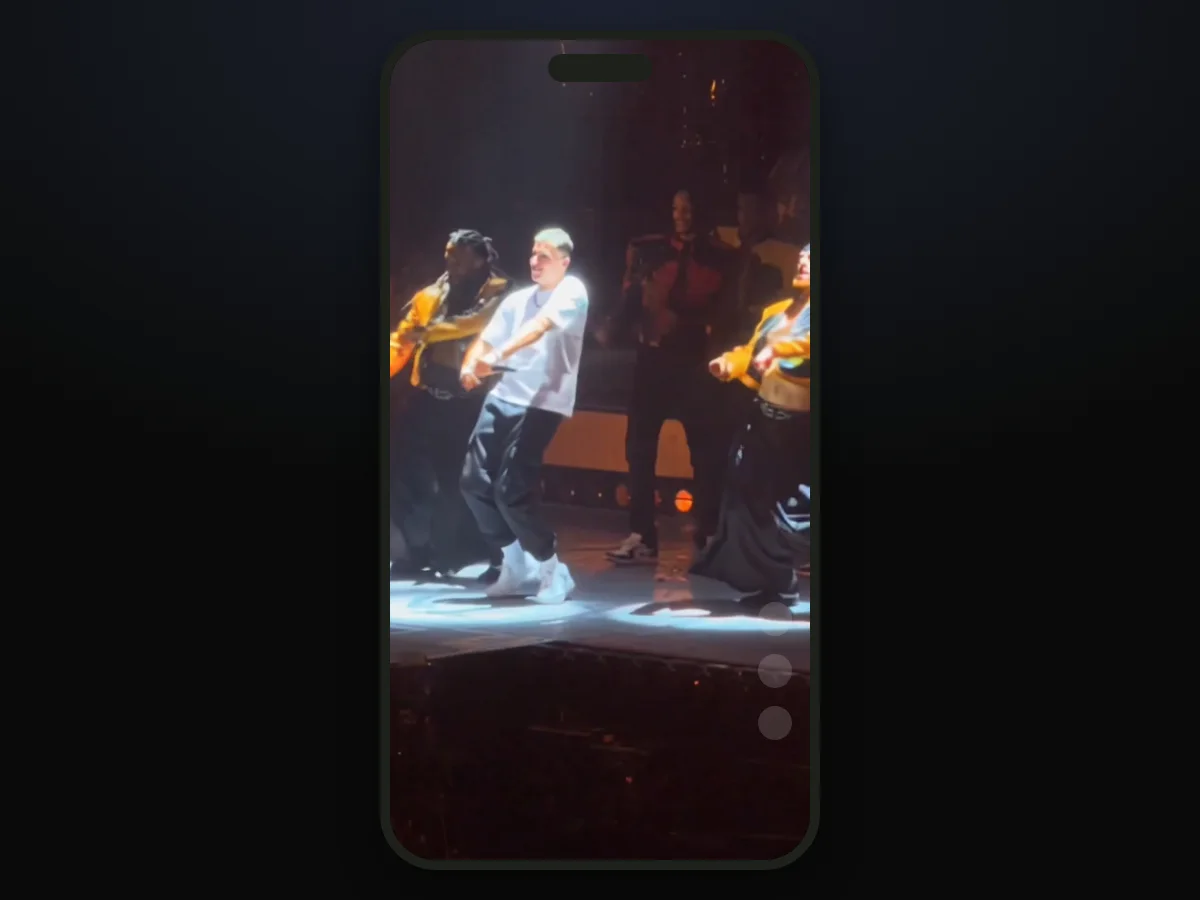
The result puts him right out front on the concert stage. He matches the crew step for step while the pyrotechnics fire around him.
Here's what this guide covers:
- The cast: who can take the lead's spot, and whose photo works.
- The three taps: photo, quality, Create.
- The 15 seconds: what your lead does, beat by beat.
- The post: getting it onto TikTok and Reels.
A Talk Dirty Dance AI Video Takes One Photo and Three Taps
A Talk Dirty dance AI video takes one photo and three taps in a web browser on a phone, tablet or computer. You don't have to fiddle with timelines, prompt boxes or video files to get it running.
Here's how the setup breaks down:
- The photo you bring: one person, one character or one pet.
- What's already inside: the 15-second concert clip, framed 9:16, and its own live sound.
- What you get back: a 15-second MP4 with no watermark and no captions added.
To begin, open our Talk Dirty dance AI maker, add the photo, and tap Create.

Who Goes on Stage in Your Talk Dirty Dance AI Video?
Anyone you have a clear photo of can take the lead's spot, as long as a real person is 18 or older. So can a pet, a cartoon, a game character or an AI-made character, one per photo.
The whole joke behind the Talk Dirty dance AI trend comes from contrast.
Videos across TikTok and Bilibili have put grandparents, a woman in a shop apron and a robot on that stage.
The laugh always comes from a lead who looks nothing like a dancer hitting every single step.
Here are four ideas for your clip's cast:
- The friend who never dances: send the finished video to their chat or tag them in the comments when you post it.
- Your dad or another family member: put him on stage in his everyday clothes, like his work shirt.
- You: put yourself in front of the arena crowd without learning steps or setting up a tripod.
- A pet or a character: use your dog, a cartoon, a game figure or an AI-made character image, including a character sheet with close-up and full views.
Your lead dances in the exact outfit from the photo, from the first step out to the final squat.
So the clothes stay part of the visual punchline, and the original lead's navy suit never shows up.
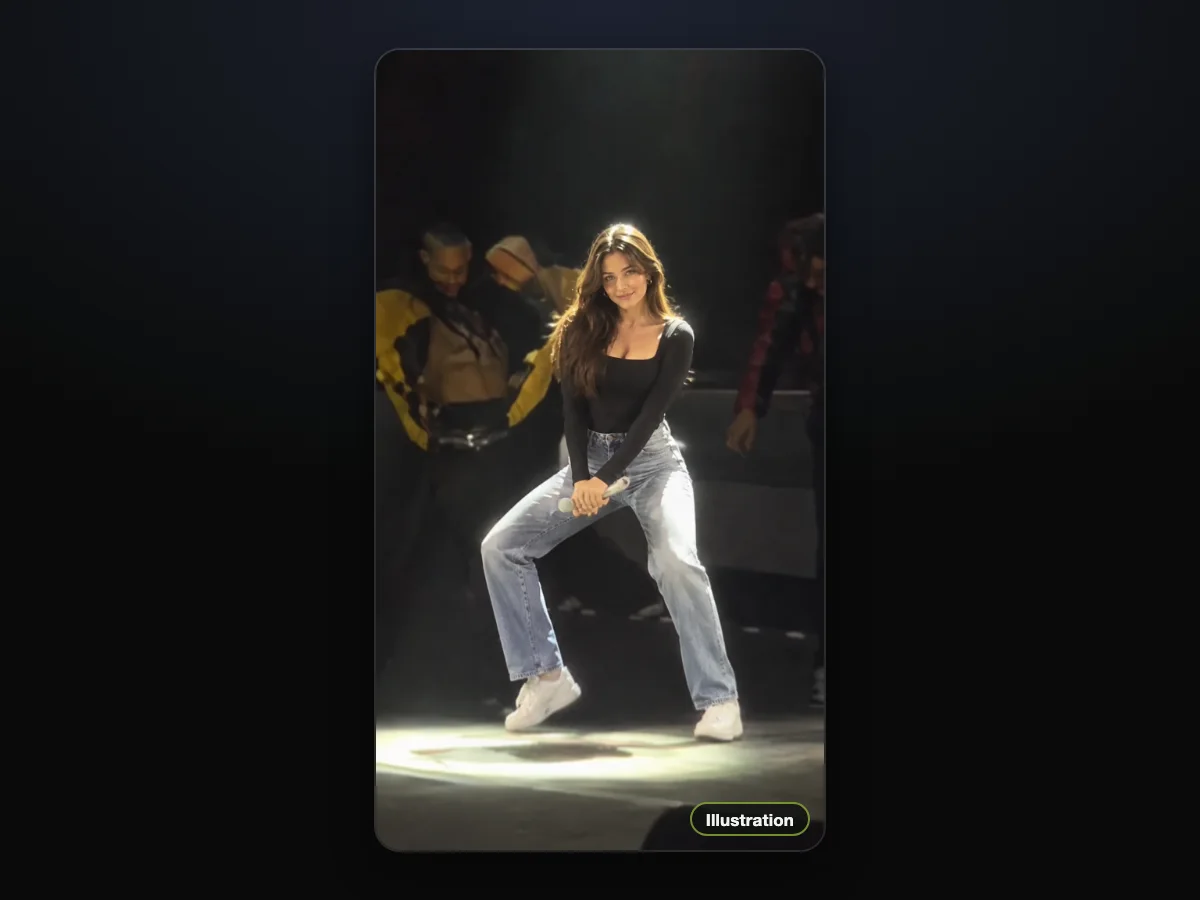
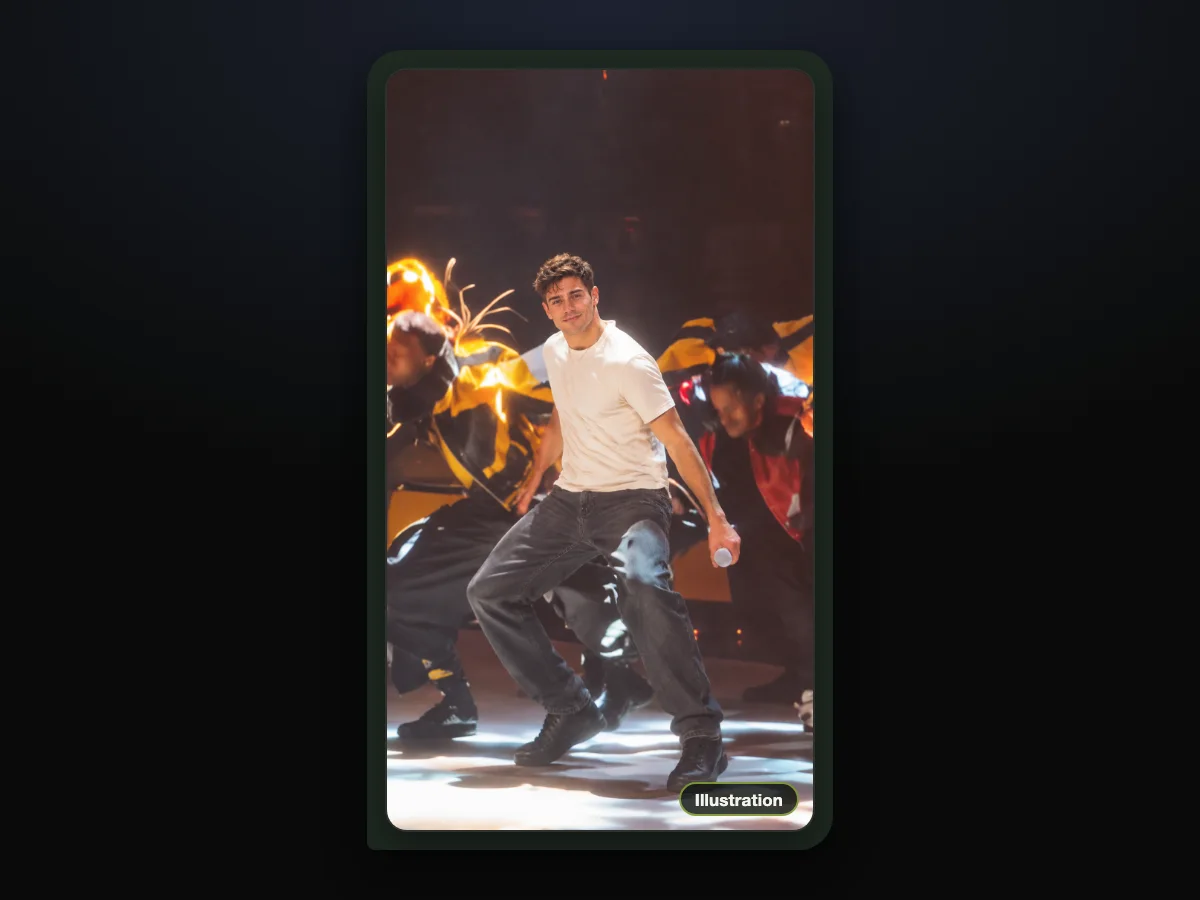
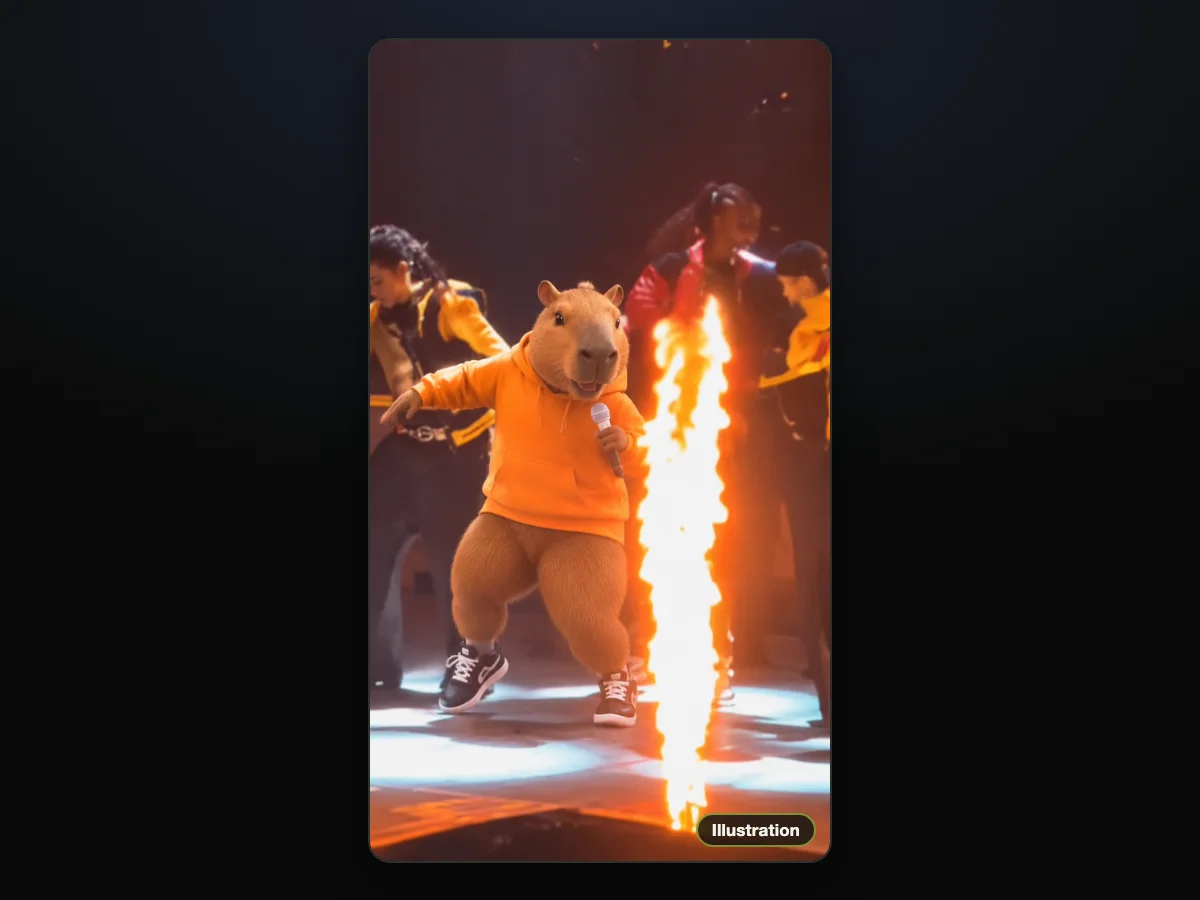
Once you know who belongs out front, you're ready to add one photo to our Talk Dirty dance AI maker and build your clip.
Talk Dirty Dance AI Tutorial: Photo, Quality, Create
The Talk Dirty dance AI tutorial comes down to three taps on one page, and here's the order. Everything happens in your browser window, with the stage clip already cued up behind the scenes.
Tap 1: Add Your Lead's Photo
Open the Talk Dirty dance AI maker and tap the photo box to pick an image from your camera roll.
The cleanest result comes from a single person facing forward in good light. Show them from head to toe in the clothes they should dance in.
The box under the photo is already ticked, so leave it that way. That tick says you've got the right to use the image and that anyone in it is at least 18.

Tap 2: Choose 480p, 720p or 1080p
The maker picks 480p by default, but you can tap 720p or 1080p if you'd like a sharper export. Each option delivers the exact same 15 seconds in 9:16 (a vertical phone frame).
The Create button shows the exact price for your choice before you check out.

Tap 3: Hit Create
Tap Create to begin making your video. You don't need an account to check out. You pay once as a guest, and the clip starts building right on that screen.

One 720p video uses 500 credits, and that's what our $9.90 pack holds. That same pack also covers a 480p export.
If you choose 1080p, it uses 1,480 credits, about $24.60 of the $39.90 pack of 2,400 credits, with the remaining credits kept in your balance.
You'll see every credit pack directly on our pricing page.
When your payment clears, we'll send an email to the address you entered during checkout. Want your video on a different phone, tablet or laptop later? Open the link in that email and sign in.
Once the video finishes, download the MP4 file to your device. The clip's own live sound is already mixed into the file, and there's no watermark on the download.
Pick a Photo That Sets Your Lead's Look for All 15 Seconds
The best photo for a Talk Dirty dance AI video has one person, one character or one pet in it, ideally head to toe. Their face is clear and turned to the camera, in good light.
The source photo sets the lead's face, hair, body and outfit for the entire performance. Those visual traits stay locked through every blackout, white flash and spotlight across the show.
Follow these four steps to pick the best shot:
- Frame one person: pick an image showing only your lead, avoiding busy crowd shots.
- Show the face: make sure their facial features are clearly visible, facing forward without heavy shadows.
- Go full length: choose a shot from head to shoes, since a full-body photo works best.
- Dress the part: pick the exact outfit you want to see under the lights. The small white microphone stays in their hand throughout the routine.
Our sample video started from a single street-style photo of an AI-made man. He's wearing an oversized white T-shirt, cargo trousers, white sneakers and a silver chain.
What Your Lead Does in the 15-Second Talk Dirty Dance AI Clip
Your Talk Dirty dance AI video runs the whole 15-second concert clip. The person from your photo does every beat of it.
The choreography, the transitions and the arena lighting follow the original performance from start to finish.
Here's what happens, second by second:
- Walk in: from 0 to 1.8 seconds, your lead steps forward through blue light. Then a white flash hits as giant letters light up behind them.
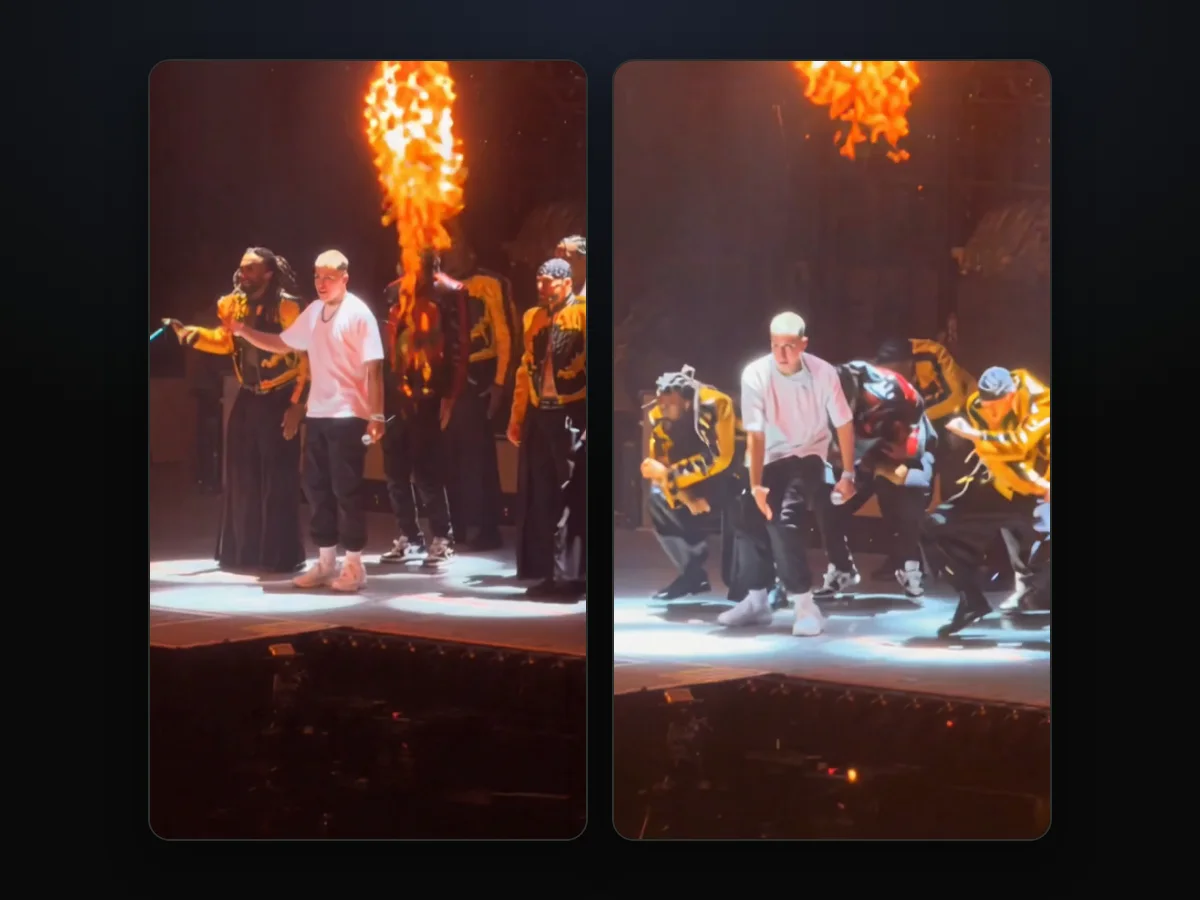
- Spotlight: at 2.4 seconds, the white spotlight switches on. Your lead drops into a deep wide-legged crouch with both hands held at the waist, staying down until 3.3 seconds.
- Dance break: from 3.5 to 6.2 seconds, orange stage lights take over. Your lead hits the dance break (the part where the whole crew dances in a row) as flames burst at 3.5, 4.5, 5.5, 6, 8.2 and 10.2 seconds. The row stands still for a beat between 7.5 and 8 seconds, then dances again from 8.5 to 10 seconds.
- Flames: from 13.2 to 14.8 seconds, the crew finishes together in deep squats right between two final blasts of fire.
Everything around your lead stays the same. The dancers in varsity jackets keep their own faces, and the flames blast on cue. The phone camera zooms from its spot in the crowd.
You'll hear the clip's own live sound from the very first frame.
For the story of the arena performance that kicked off this format, check out where the Talk Dirty dance trend came from.
You can also look up the song behind the Talk Dirty dance to see how the 2013 single found its way into current feeds.
Posting Your Talk Dirty Dance AI Video on TikTok and Reels
Your Talk Dirty dance AI video is a 15-second 9:16 MP4 with the clip's own live sound already in it. So it goes straight into TikTok or Reels.
You don't have to line up an audio track, adjust the crop or trim blank seconds off the ends.
Here's how to set up your post:
- The caption: write your own text in the app since the export doesn't carry added captions, like "Dad headlined the tour tonight" or "My friend thought he was skipping dance practice".
- The tag: tag the friend or family member whose photo you've put into the middle of the stage.
- The hashtag: add #talkdirtydance, which pulled 302 videos and 16.89 million views on TikTok by October 21, 2026.
- The sound: leave the exported video audio switched on, as the live crowd recording is built into the MP4 file.
Talk Dirty Dance AI vs the CapCut Templates
The trend's two CapCut templates and our maker all start from one photo, but they give back different videos. Most social posts send you toward templates, but the results vary in length and stage angle.
| CapCut template "ai dance" | CapCut template "Ai" | Talk Dirty Dance AI | What it means for you | |
|---|---|---|---|---|
| What you add | One photo, inside the CapCut app | One photo, inside the CapCut app | One photo, in your web browser | Nothing to install with ours |
| Length | 10 seconds | 13.8 seconds | 15 seconds | Ours runs on through the closing squats between the flames |
| The stage | The concert stage, the clip's first 10 seconds | Another take of the show, filmed wider, with the lead in a row of four | The whole 15-second concert clip, filmed from the crowd | You get the full routine the trend is built on |
| The sound | The trend's live sound in its preview | The trend's live sound in its preview | The clip's own live sound from the first second | You hear the hook the trend's videos use |
Template facts come from the ai dance template page and the Ai template page, read October 21, 2026.
If you run into errors while using outside templates, read our walkthrough on when a Talk Dirty dance CapCut template won't work.
To see how other ways of making it stack up against each other, browse our list of Talk Dirty dance AI generators compared.
Maybe you're an editor who'd rather build the scene by hand in another tool. If so, we've broken down the full Talk Dirty dance AI prompt line by line.
Talk Dirty Dance AI Tutorial: Quick Answers
Can I make a Talk Dirty dance AI video on my phone?
Yes, you can make the video directly in any web browser on your phone, tablet or desktop computer. You don't have to download an extra app or install new software.
Do I have to dance or film anything?
No, you don't have to film or dance anything on your end. The choreography, crowd camera angles and stage effects belong to the concert clip, so all you'll add is a photo.
Can I make one for a friend?
Yes, you can use a friend's photo as long as they're 18 or older and you've got permission to use their picture. Once it's ready, you can download the MP4 file and send it to them.
What happens to my credits if a video fails?
The maker holds your credits when you hit Create and spends them only once your video finishes successfully.
If a clip fails, you'll get the credits back in your account balance automatically, as our Talk Dirty Dance AI pricing page explains.
How do I open my video on another device?
You'll find the receipt email at the address you entered during guest checkout. Open the link inside that message on your other phone or laptop to sign in and view your files.
Which file do I get for TikTok and Reels?
You'll get a 15-second vertical MP4 file framed at 9:16 with the live concert audio already included. There's no watermark, whichever quality setting you picked.
Send Someone to the Middle of the Stage
You can put anyone right in front of the arena crowd with just one photo. The varsity-jacket dancers, pyrotechnics and crowd audio stay intact.
It's three quick taps on your screen, and you don't need to set up an account.
Head over to make a Talk Dirty dance AI video for $9.90 at 720p and see who you'll send out under the lights.
The Talk Dirty Dance AI Team wrote this guide. The sample video featured across our pages stars a fictional man made with AI, and it doesn't show a real person.
Related Articles
- Talk Dirty Dance Trend: From the 2013 Hit to the AI Stage Swap — the 2013 song, the arena stage and the October 2026 AI wave, with dates
- Talk Dirty to Me Dance Trend: Which Song It Is (and Which It Isn't) — the song behind the hook and the names people mix it up with
- Talk Dirty Dance CapCut Template Not Working? 6 Fixes — what to do when the CapCut route stalls or opens the wrong edit
- Talk Dirty Dance AI Generators Compared: Which Keep the Real Stage? — the tools sorted by what you get back
- Talk Dirty Dance AI Prompt Guide: The 259-Word Prompt, Line by Line — the full edit prompt our maker runs, one sentence at a time


